How to Use iMatch321: Your Complete Guide to Smarter Table Tennis Matches 🏓
April 30, 2025
Whether you’re a casual player or organizing a club tournament, iMatch321 is your ultimate digital assistant for table tennis competitions. Discover how using iMatch321 can help set up, manage, and share matches with ease — all from your browser.
In this guide, we’ll walk you through everything you need to know to get started with iMatch321. Learn how to use iMatch321 effectively in your matches.
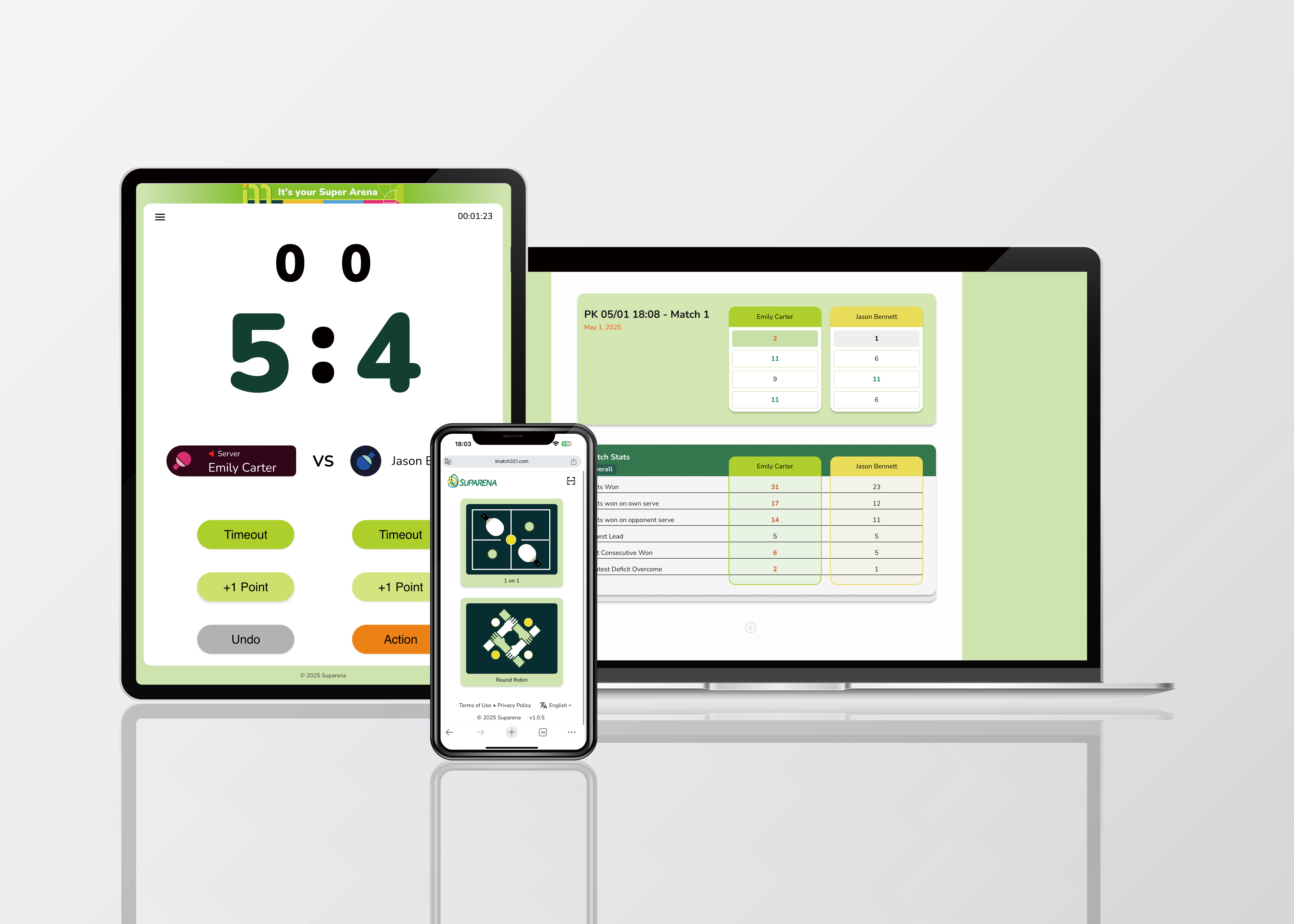
🏓 Step 1: Access iMatch321
Open your browser and go to iMatch321.com.
There’s nothing to download — it works perfectly on phones, tablets, and computers!
Step 2:
🆚Start a 1-on-1 Match
🔁Round Robin Tournament
Each match comes with its own control screen, and standings are updated live as players record their results.
Knowing how to use iMatch321 can enhance your overall experience.
Implementing efficient strategies in using iMatch321 can provide smoother operations.
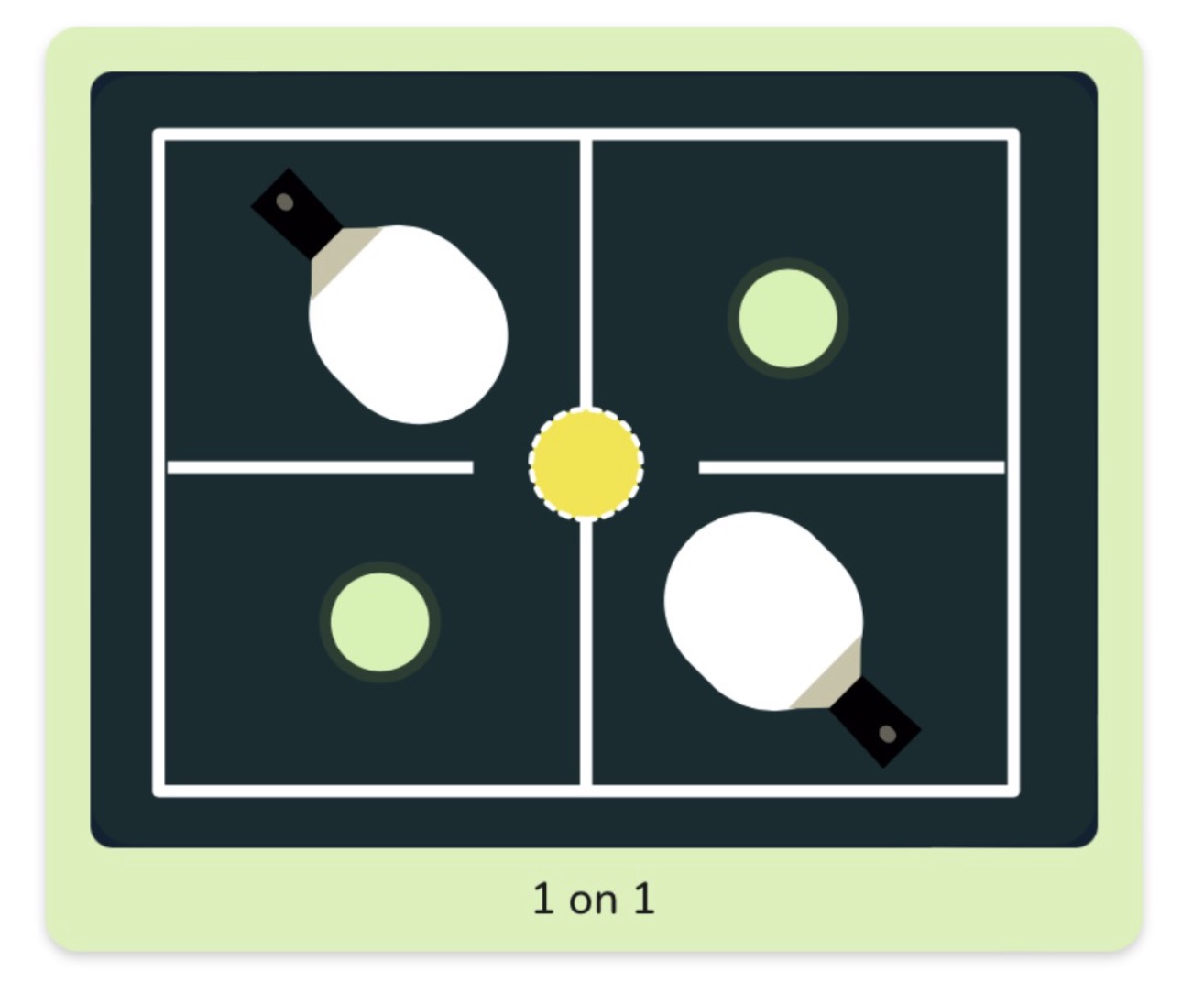
Want to challenge a friend?
👉 To create a match:
- Click the 1-on-1 icon.
- Customize your match:
- Enter a match name
- Choose Singles or Doubles
- Set Max Games (e.g., best of 5)
- Input Player Names
- (Optional) Adjust Advanced Settings
- Hit Create — your match is ready to play!
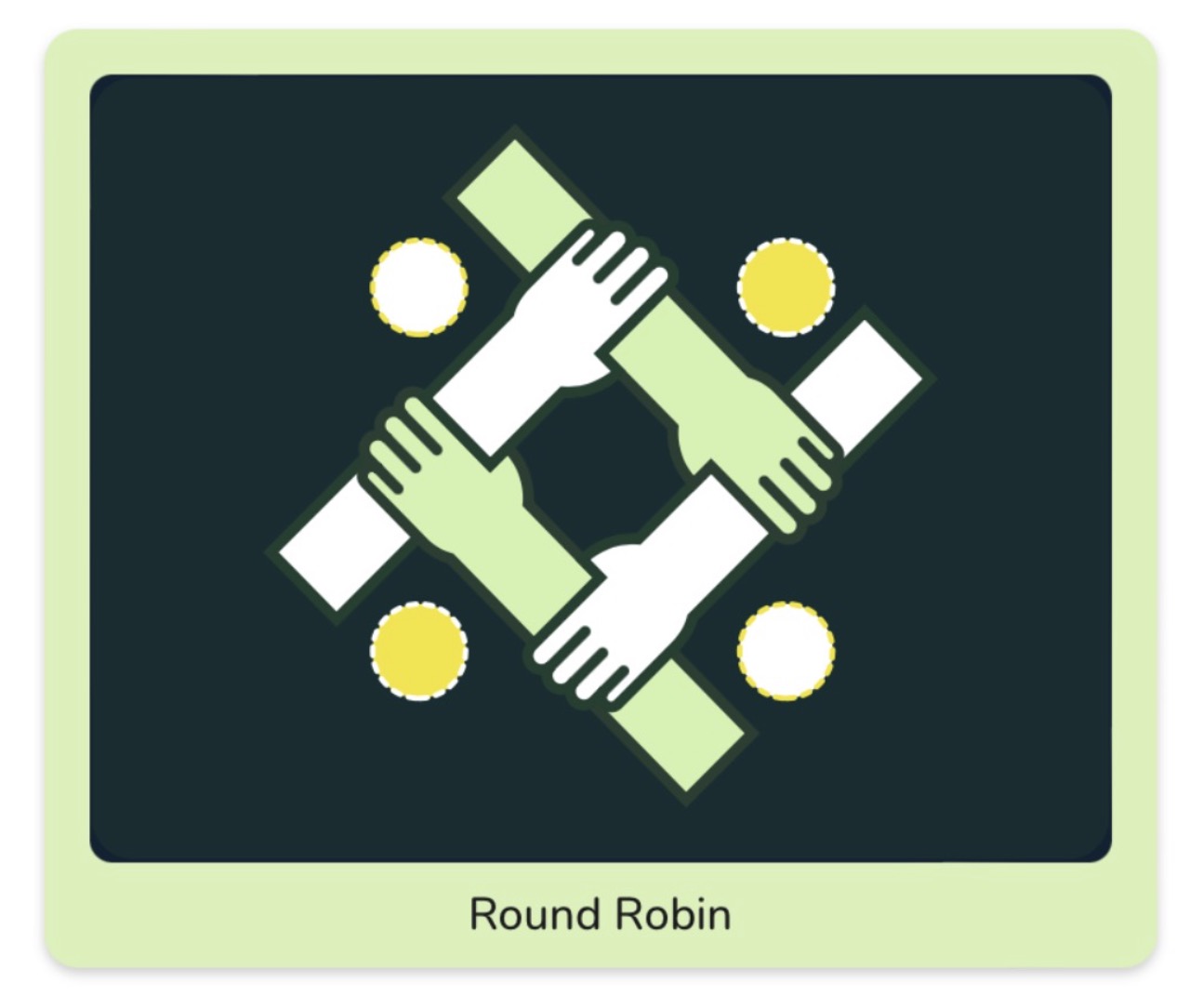
Organizing a club night or mini-tournament? Discover how iMatch321 features can make this seamless.
👉 To start a Round Robin:
- From the homepage, select Round Robin
- Name the match and choose Singles or Doubles
- Add all players (minimum 3 for a full round robin)
- Customize set length and format
- Click Create to generate all matches instantly.
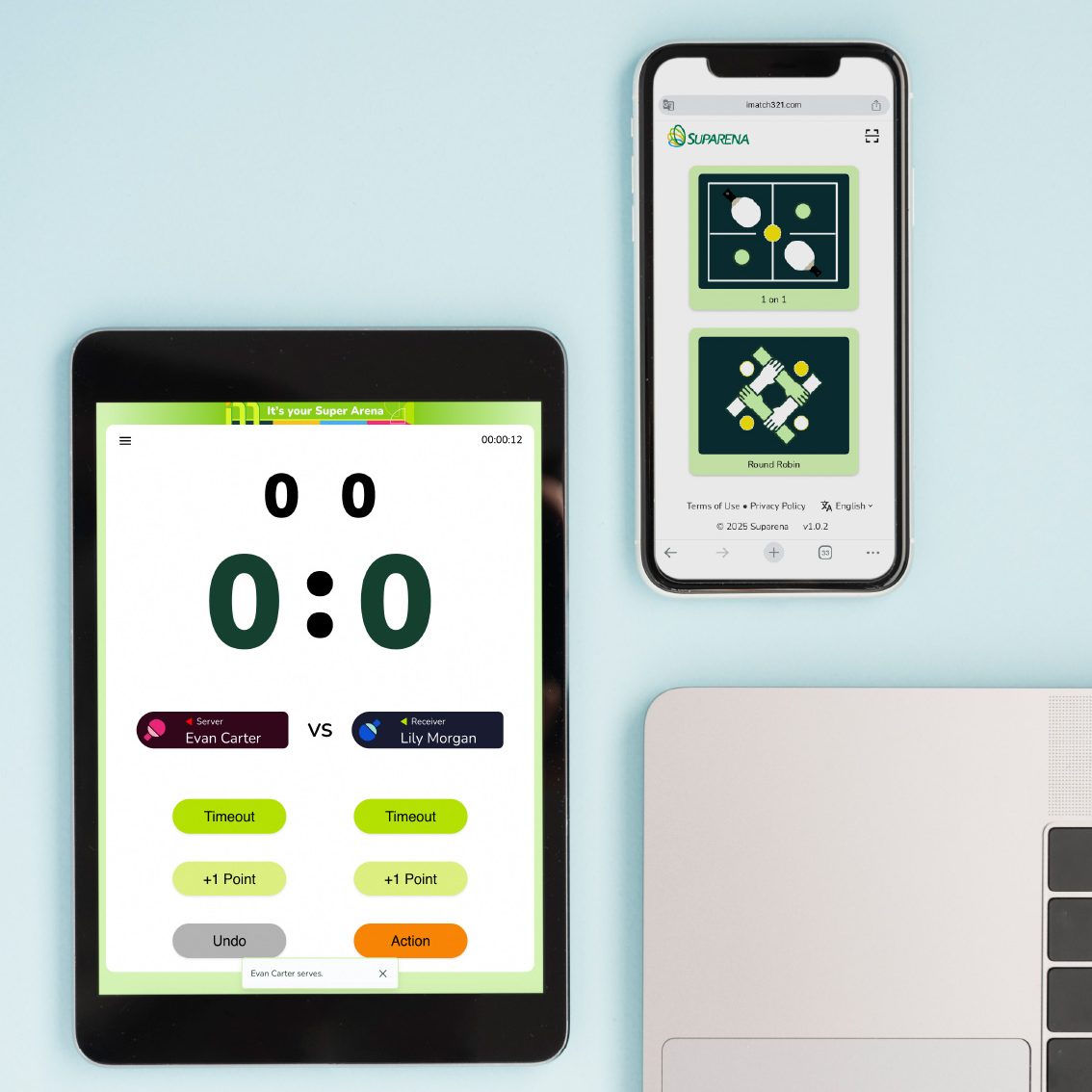
📱 Device Friendly & Shareable
iMatch321 works on smartphones, tablets, and desktop browsers. Moreover, each match has a unique link, which means you can:
- Display it on an iPad scoreboard for real-time scoring
- Or skip the scoreboard entirely and report scores after the match using the Reporter QR Code — one of the many ways how to use iMatch321 smartly.
- Share the match with remote players
- Use multiple devices to control the same match
👁️ Viewer Mode
Not everyone needs to keep score. However, when a spectator joins the match link in Viewer Mode, they get a read-only view of the live scoreboard — without any controller access. This makes it perfect for audience displays, parents, or remote fans. Ultimately, understanding how to use iMatch321 will enrich the spectator experience.
🛡️ Advanced Features (Optional)
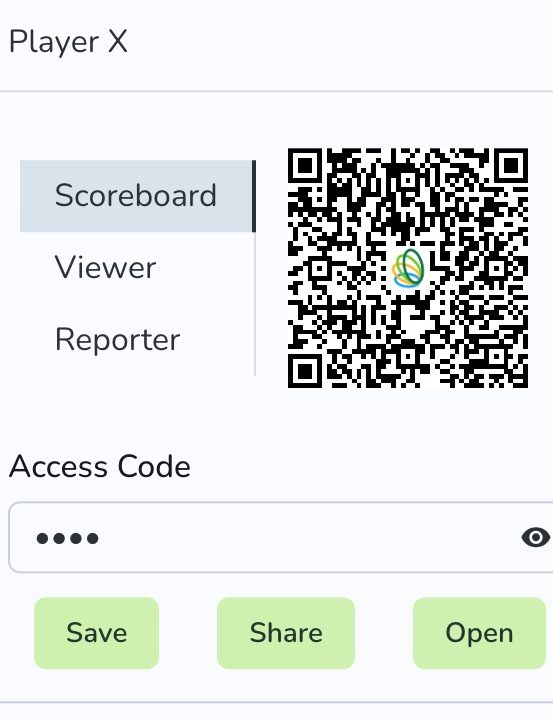
Access Codes: Lock your match so only invited users can control or view it
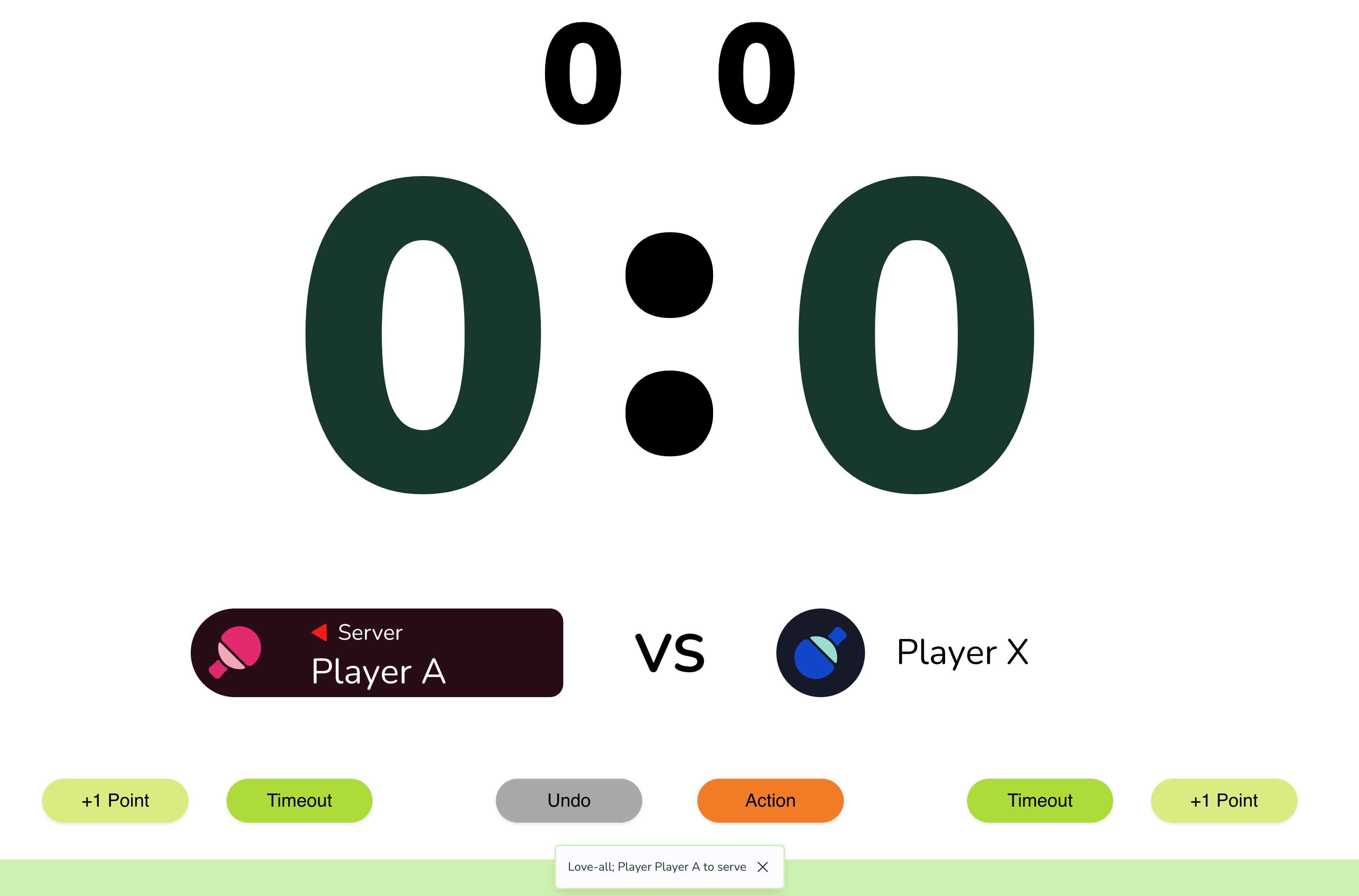
Match Prompt: Clear, visual prompts — like having a virtual umpire present
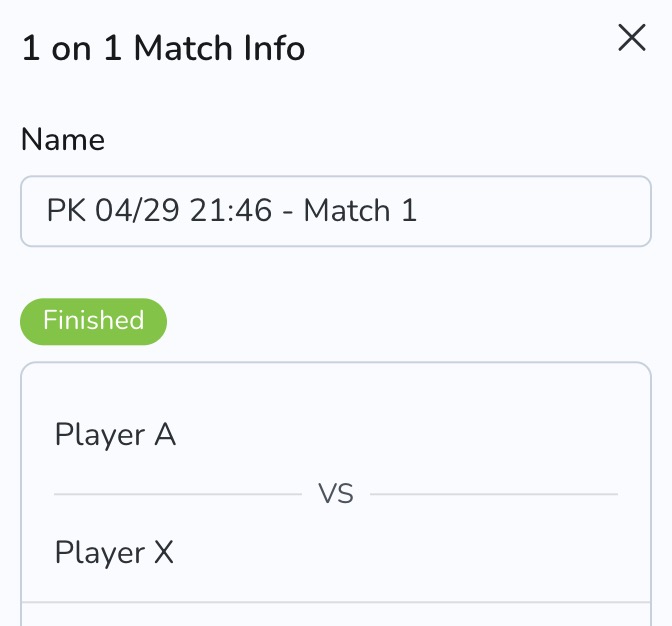
Match Indicators: Visual cues to show match status (ongoing, finished, etc.)
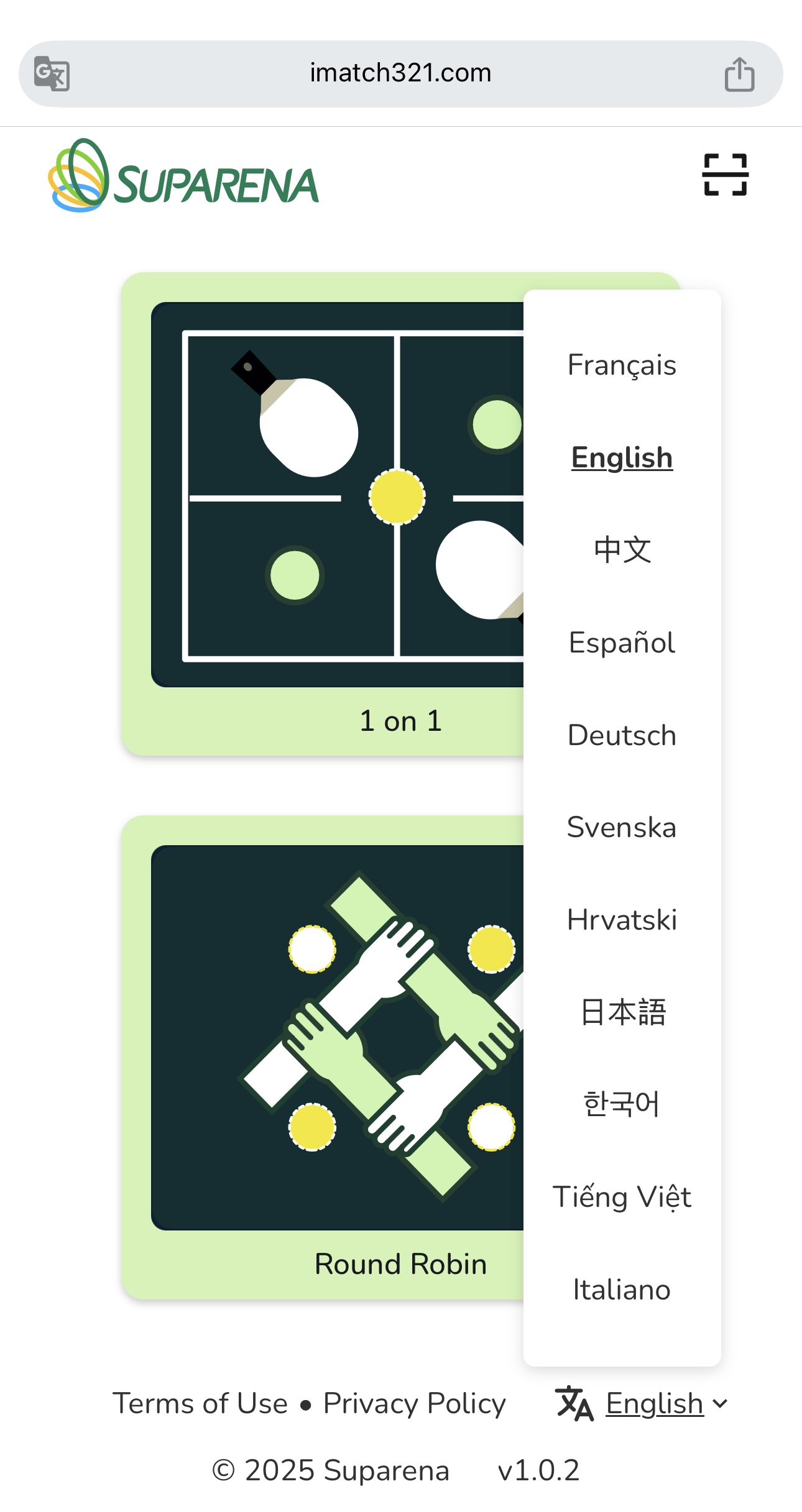
Language Support: In addition, it's available in over 11 languages and counting, demonstrating just how versatile using iMatch321 can be globally.
📣 Coming Soon
🥇
Live Rankings Integration
🖲
Streaming Enhancements are coming soon to enhance your experience using iMatch321.
🎙
Voice Announcements
🫱🏻🫲🏼
Club-level Organizer Tools
🏁 Try It Now
Head over to iMatch321.com and start your next match in seconds.
Whether you’re a parent tracking your kid’s games, a coach managing club night, or a group of friends keeping score at home — in every case, iMatch321 makes every match smarter.
It’s Your Super Arena. Everyone should know how to use iMatch321 in their own super arena!